LokiCheckout Delivery Date
The LokiCheckout Delivery Date module allows for picking a delivery date and a timeslot within the shipping step. Exclusion dates are managed in the Magento Admin Panel, for example to skip delivery on holidays and weekends.
Note that the usage of this module assumes that you are either handling delivery yourself or that you find a custom way to pass the chosen delivery date and timeslot to your shipping partner. When using shipping providers like Post NL, MyParcel and others, we recommend you use the delivery date mechanism that they offer instead.
Basic usage
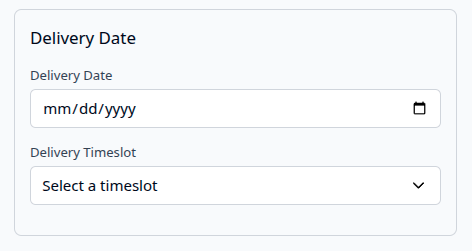
The default input shows a calendar and a timeslot selector.
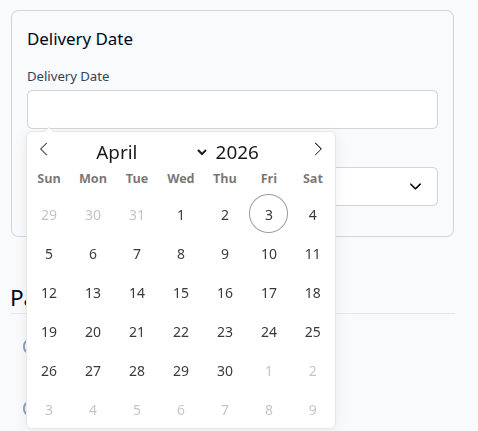
Because the default date-input of the browser can be annoying, you can also use the additional Loki_Flatpickr module to replace the default date-input.
Generic settings
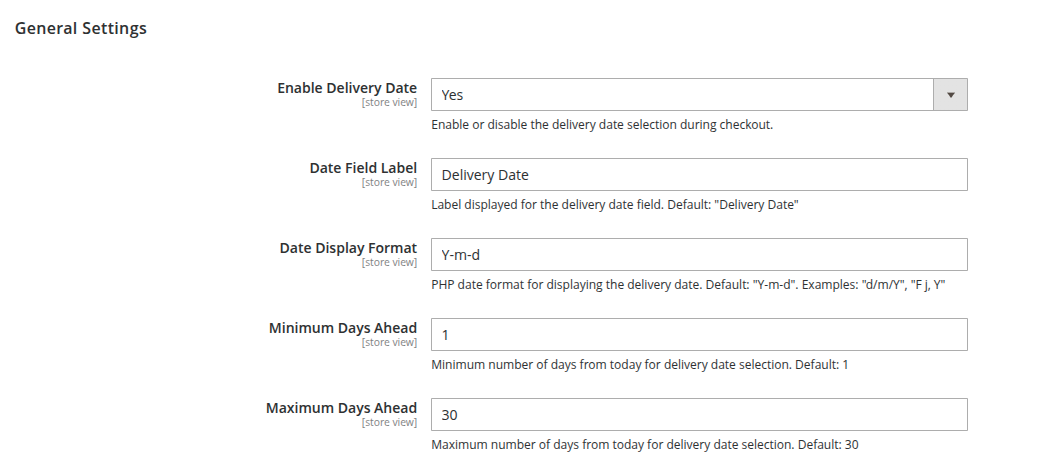
Settings are configured in the Magento Admin Panel. This includes basics like the date format and the label. It also includes how many days in advance the customer can pick a date.
Excluding dates
It might be that you don't want to deliver on a Sunday or on a specific weekday. Dates can be excluded from the calendar by adding exclusions in the backend.
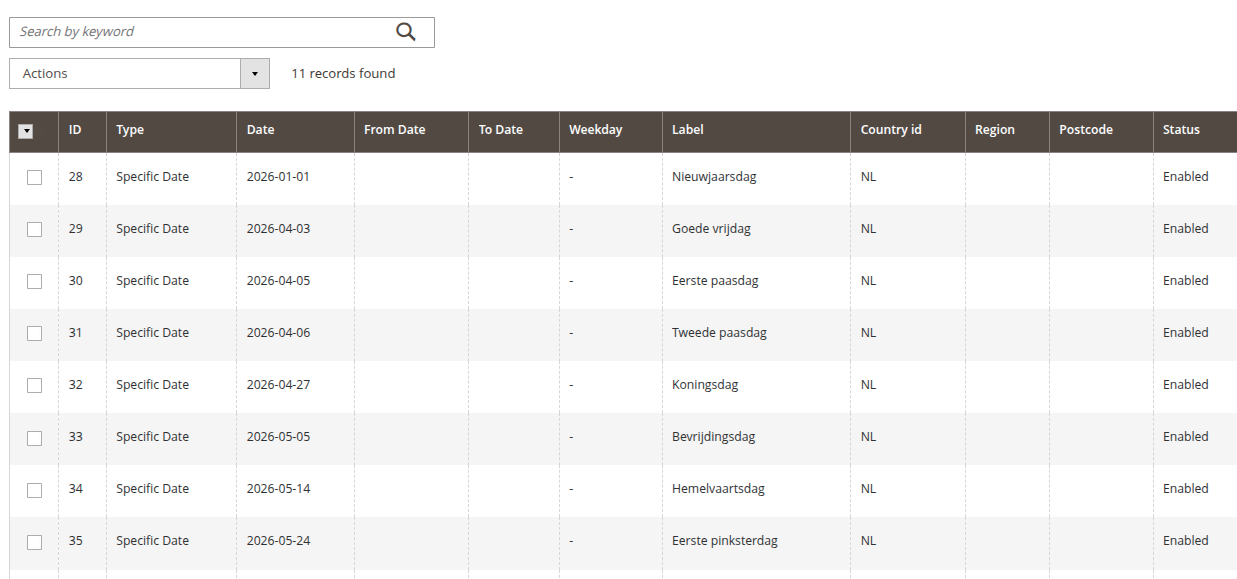
Once dates are excluded, they can't be selected in the frontend anymore. With the default date-input, nothing is greyed out and the customer gets an error when an excluded date is selected. When Flatpickr is used, the excluded dates are greyed out.
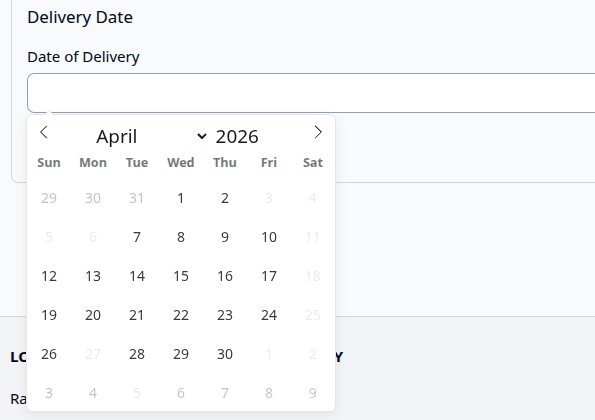
Excluding holidays
When holidays need to be entered for exclusion, things can be rather cumbersome. We offer the usage of various APIs to import holidays from various providers. Due to API restrictions, you need to manually import the holidays per year and per country.
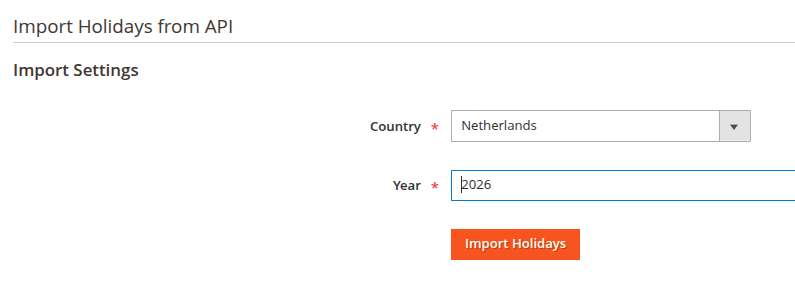
We recommend the openholidays.org API. It's free.

Timeslot settings
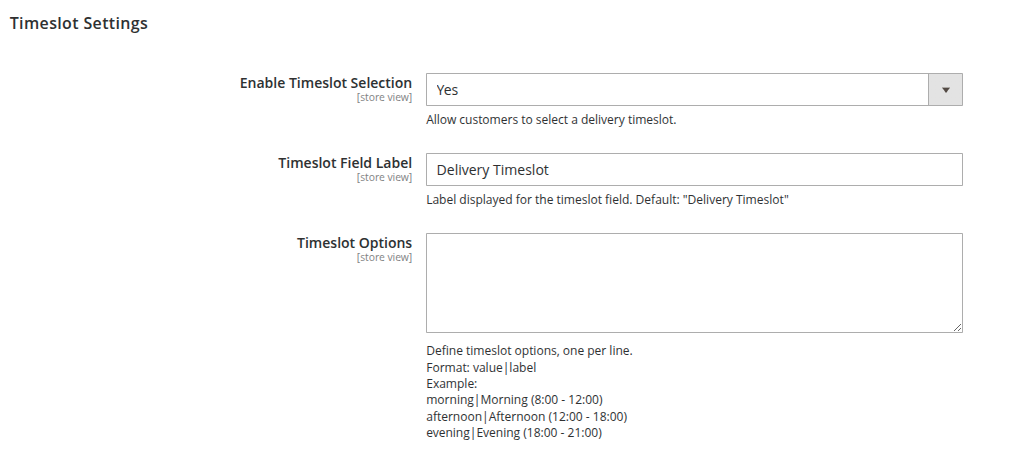
Timeslot options are configured via a rather technical input in the Magento Admin Panel. Let us know if you need this to be enhanced.