Loki Checkout GeoIp Autocomplete
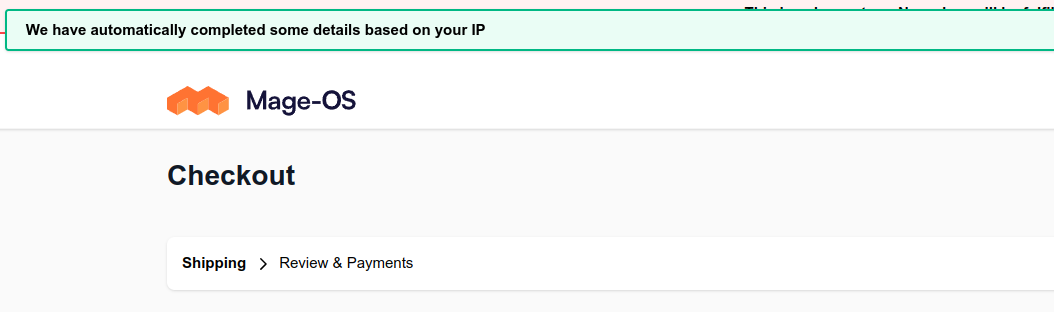
This module allows for autocompleting the address, if no values have been provided yet. The IP address of the customer is looked up and translated into geographical information. Next, the shipping address and/or billing address is modified to include the right country, province and city if possible.
Configuration settings
All configurations are found under Store > Configuration > Loki > Loki Checkout.
GeoIP autocompletion > Enabled
loki_checkout/geo_ip_autocomplete/enabled
Enable or disable this functionality on the fly
GeoIP autocompletion > Provider
loki_checkout/geo_ip_autocomplete/info_provider
Backend provider to translate an IP address into actual address information
GeoIP autocompletion > ipinfo.io token
loki_checkout/geo_ip_autocomplete/ip_info_io_token
Token as generated in your ipinfo.io account. This is only used if the "Provider" is set to "ipinfo.io" and can be left blank otherwise.
GeoIP autocompletion > Success message
loki_checkout/geo_ip_autocomplete/success_message
Text to display when the addressed is modified successfully based on the IP address
Last modified: June 9, 2026