Loki Checkout Mollie
This module integrates the Mollie payment methods in the LokiCheckout. Without it being enabled, the Mollie payment methods do pop up in the payment method listing, but will not be redirecting to the Mollie payment portal. Hence, this module is vital to use.
Features
- Displaying of all activated payment methods, including icons
- Redirect to the Mollie Payment portal
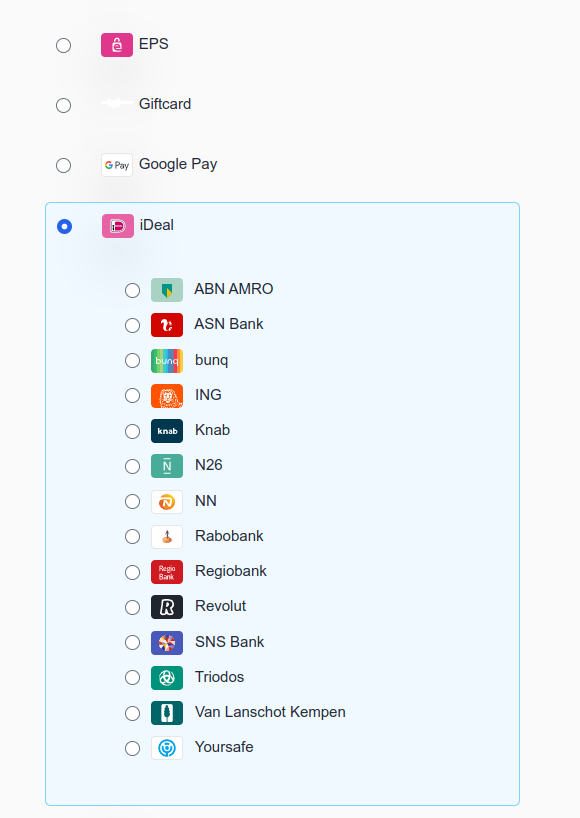
- iDeal issuer selection (deprecated with iDeal 2)
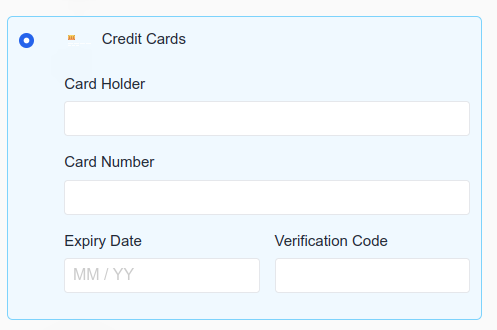
- Creditcard details entry (via Mollie Components)
- Creditcard vault
Notes on iDEAL issuers
With iDEAL v2, issuers will no longer be selected within the Magento checkout but in the Mollie portal instead.
Notes on creditcard details entry
Make sure to enable Mollie Components in the Mollie module.
Notes on creditcard vault
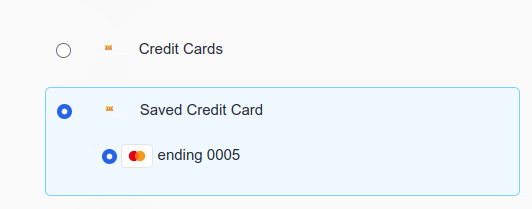
With the Magento vault, a logged-in customer is able to save payment details for later usage. In practice, this means that if a customer pays via creditcard once, the next time, a payment method Saved Credit Card will be available as well.
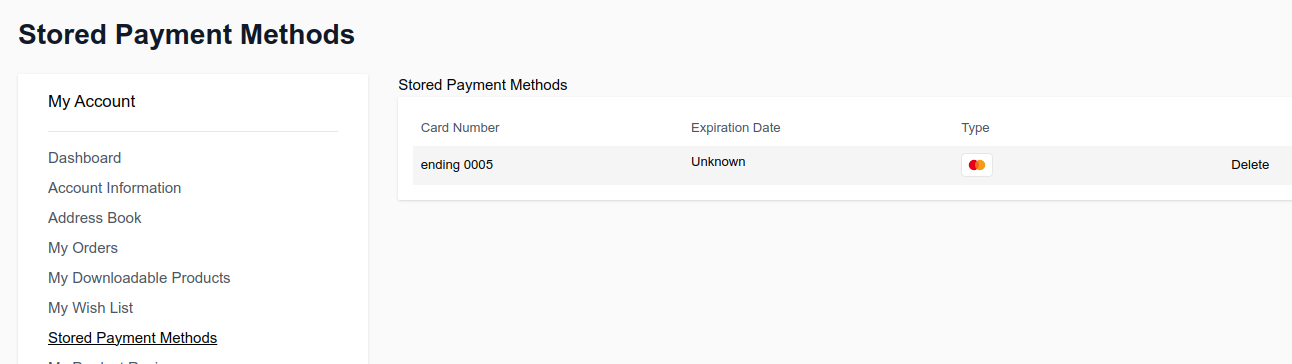
To use the creditcard vault of Mollie, make sure to use the following settings:
- Mollie > General > Settings > Enable Magento Vault: Yes
- Mollie > Payment Methods > Credit/Debit Card > Method: Orders API
- Mollie > Payment Methods > Credit/Debit Card > Use Mollie Components: Yes