Loki Checkout Sendcloud
This module integrates Sendcloud. It renders a popup map to pick a service point and then saves this service point into the quote.
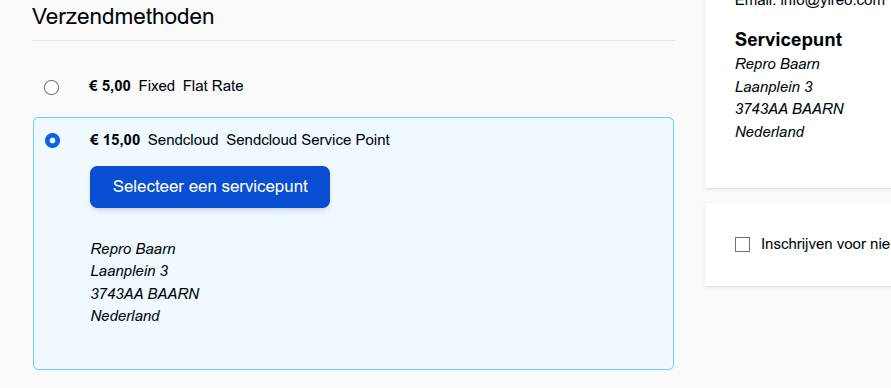
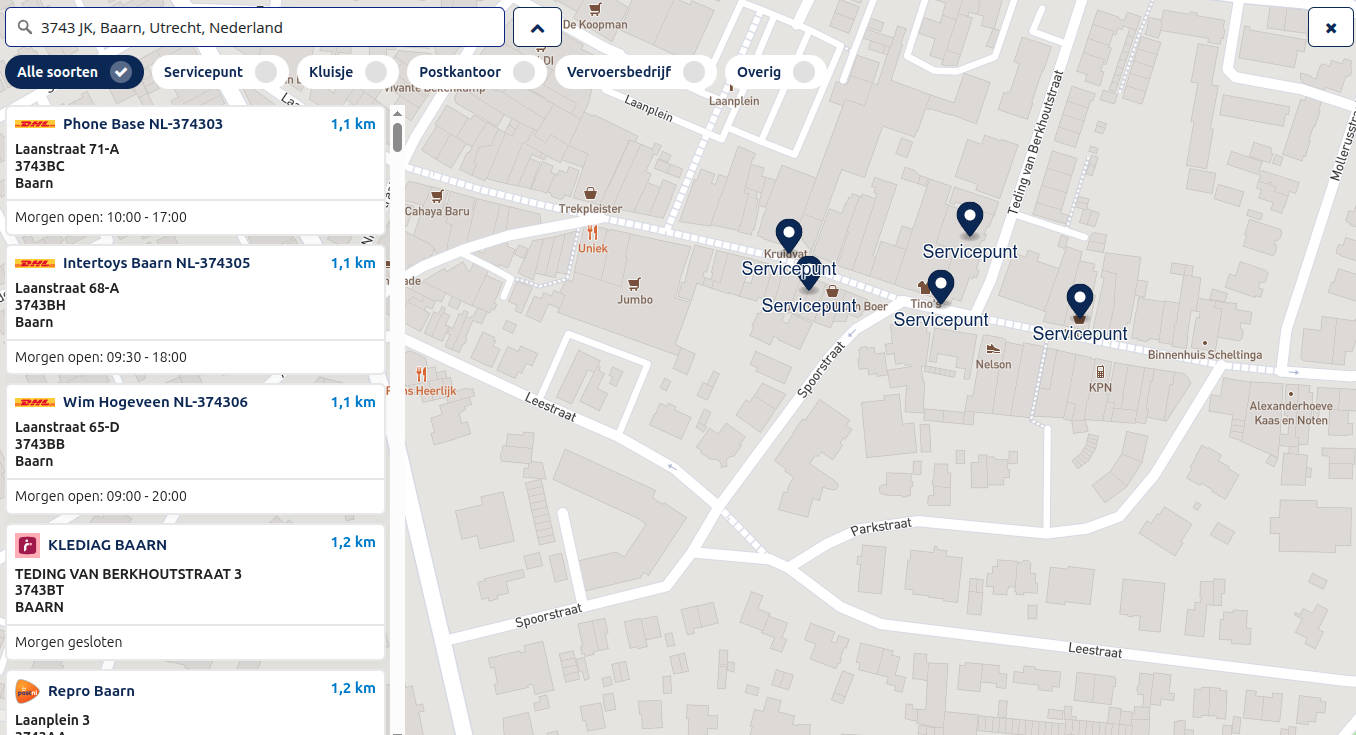
Configuration settings
Loki Checkout-specific configurations are found under Store > Configuration > Loki > LokiCheckout > Sendcloud. Add the Public Key of your Sendcloud account.
Apart from this, follow the instructions of the regular Connect to Sendcloud procedure (via the menu-item Sendcloud) to make sure the Magento 2 connection with Sendcloud is working.
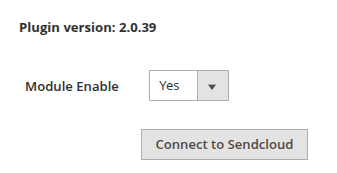
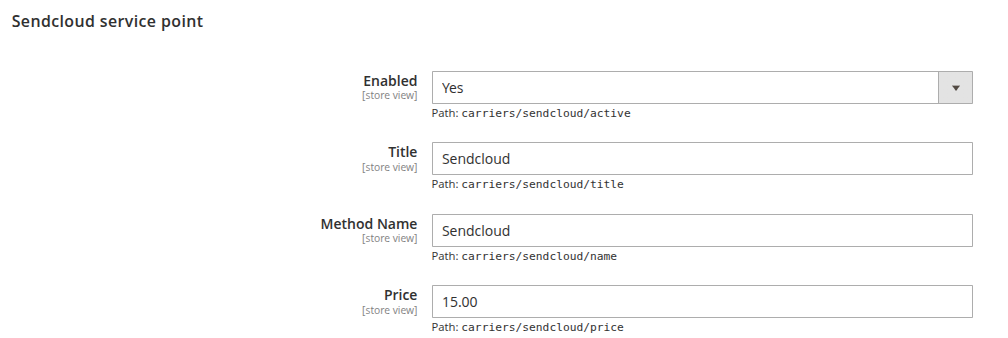
Make sure the Sendcloud carrier is enabled in the Magento 2 configuration (under Sales > Shipping Methods).
Sendcloud dashboard options
Within the Sendcloud dashboard, there is an option to enable the House number is included in the address 2 field. We recommend to enable this option.

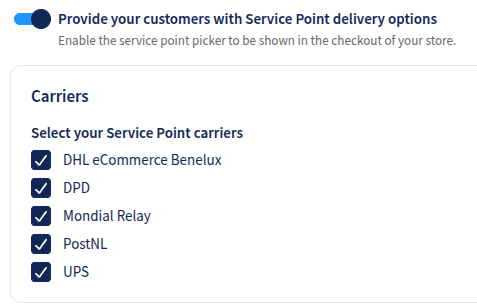
Also, make sure to enable the Provide your customers with Service Point delivery options option. Without this being enabled, the original Sendcloud module will not add its shipping method to the Magento 2 listing of available shipping methods.
loki_checkout/sendcloud/public_key